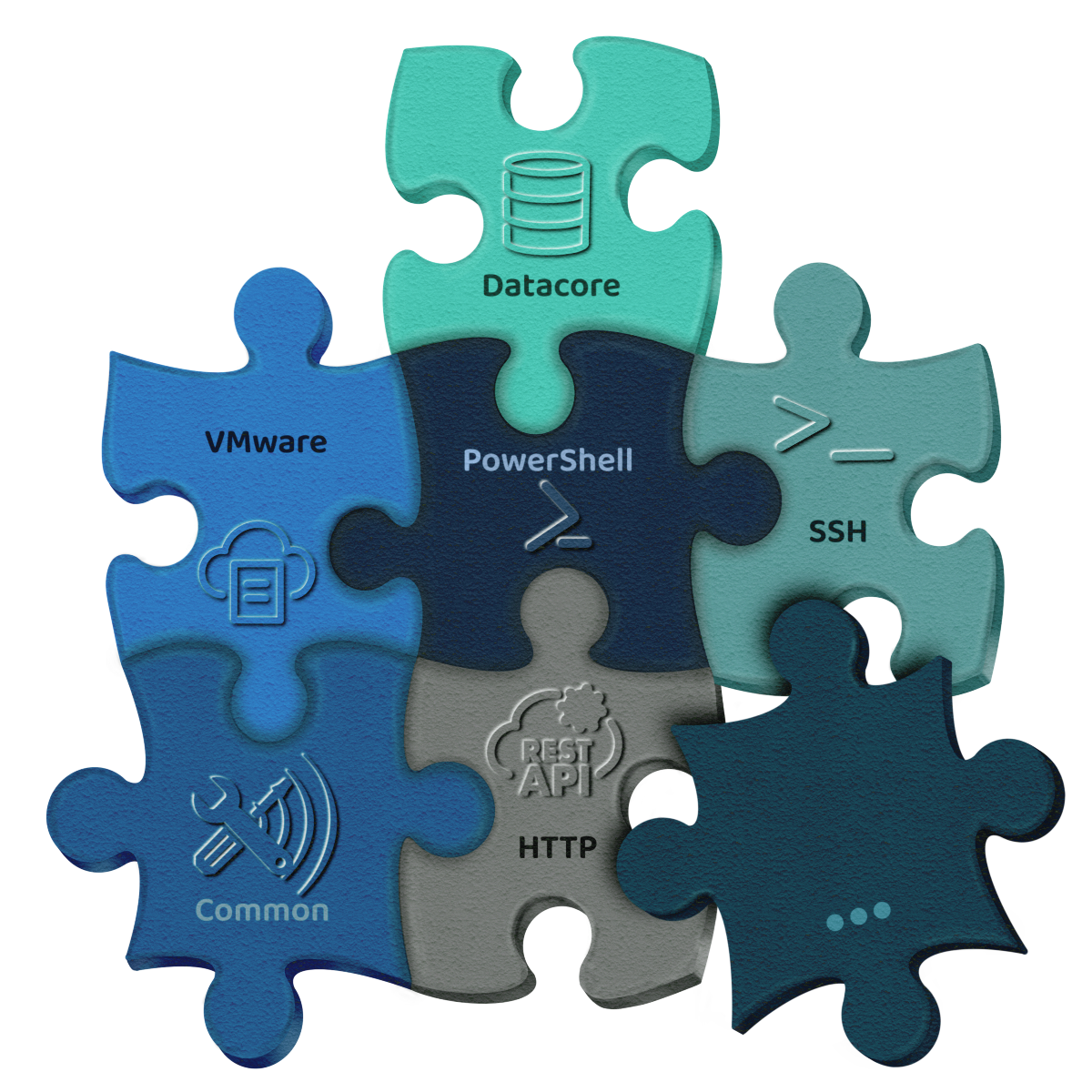
VMShutdownManager Modules

VMShutdownManager is a modular automation platform for infrastructure and data center environments. Each module extends the system with specific functions required to control hypervisors, cloud services, hardware, or script-based environments.
Hosts and virtual machines (VMs) are defined via host types that are provided by the installed modules. A host can have multiple host types, thereby gaining exactly the functions required for the respective workflows.
For example, the CommonTasks module provides a BasicIpHost, which allows general network checks such as ping tests or port checks to be integrated into execution plans.

If a host is configured as a VM host and then assigned a hypervisor module such as VMware, Hyper-V, or Proxmox, it gains the corresponding hypervisor-specific functions. In addition, such a VM host can directly “deliver” all VMs running on it to the VMShutdownManager.

VMs that are to be specifically controlled during shutdown or startup processes can be imported with a single click and are immediately available in the execution plans. All other VMs that are not explicitly referenced in an execution plan are automatically managed via the respective commands, such as ShutdownAllVmsOnHost or StartAllVms.

This keeps the configuration extremely lean: only the VMs that actually require individual handling need to be defined in the VMShutdownManager.

Thanks to this modular approach, even complex infrastructure, shutdown, and restart scenarios can be modeled precisely, transparently, and fully automated.

Overview

  • CommonTasks

    Within the CommonTasks module, VMShutdownManager bundles all fundamental functions that are required in almost every workflow. These include defined delays, network and service checks, port monitoring, and ping tests, which allow you to model dependencies with high precision.

    The module also supports the automated power-on of systems via Wake-on-LAN. A special feature is the ability to perform a controlled self-shutdown of VMShutdownManager, allowing the application to gracefully terminate itself as one of the very last services—a crucial step for robust and consistent overall workflows.

  • Datacore

    With the Datacore module, the VMShutdownManager integrates your SANsymphony infrastructure directly into automated disaster recovery and routine operations. The module records all disk pools and virtual disks, performs an orderly shutdown of Datacore servers, monitors the status of all virtual disks, and reliably waits during startup until all resources are back online.

    This ensures that dependent VMs do not start too early and that your storage remains in a consistent state at all times—regardless of whether the scenario is planned maintenance or a real incident.

  • Http

    Version

    1.0.0.0

    Description

    Module for REST-API integration

  • HyperV

    With the Hyper-V module, you can reliably and rule-based control both hosts and individual VMs or VM groups. Functions such as Save, Shutdown, or PowerOn can be flexibly combined and cleanly model even complex dependencies. Using monitoring features like the Integration Services heartbeat or waiting for a complete power-off, the module ensures that each step is only executed once the actual system state has been confirmed.

    As with most hypervisor modules, the VMShutdownManager uses internal lists—here the HyperVVmList—to keep track of which virtual machines were handled during shutdown. This allows the restart process to be performed automatically based on the previous state, without rigid startup lists or manual intervention, resulting in consistent and fault-tolerant sequences.

  • IONOS Cloud

    With the IONOS module, you can orchestrate your IONOS cloud environments just as conveniently as local virtualization platforms. You can start or stop entire data centers, gracefully shut down or power on individual VMs, and reliably monitor their power state. These capabilities make it possible to activate only the systems that are actually needed and to automatically shut down unused resources.

    As with all hypervisor cloud modules, the VMShutdownManager uses internal VM lists to track which instances were handled during shutdown. During restart, the previous state is automatically reconstructed—without any manual startup configurations. Combined with time-based triggers such as cron jobs, workloads can be perfectly aligned with usage times, allowing you to fully leverage the cost optimization potential of the IONOS Cloud.

  • PowerShell

    With the PowerShell module, you can integrate any kind of PowerShell-based automation directly into your sequences. You can execute custom scripts remotely, selectively control Windows services, or perform an orderly system shutdown using the integrated shutdown cmdlet. Thanks to support for both WinRM and SSH transport channels, this works in traditional Windows environments as well as in modern, heterogeneous setups.

    The module is perfectly suited for implementing specialized logic or individual requirements that go beyond the standard functionality of the other modules. Whether you want to validate configurations, collect logs, restart services, or embed complex maintenance routines, the PowerShell module gives you full control.

  • Proxmox

    With the Proxmox module, you can orchestrate individual Proxmox nodes as well as entire cluster structures. The module supports the controlled starting, stopping, or suspending of all VMs within a cluster, the orderly shutdown of individual nodes, and restart management after maintenance windows or incident scenarios.

    Functions such as ProxmoxNodeAwaitAvailability or ProxmoxVmAwaitState ensure that each step is executed only after the actual system state has been confirmed—an essential factor for stable and secure operations.

    As with all hypervisor modules, the VMShutdownManager uses the ProxmoxVmList to record which VMs were handled during the shutdown process. This allows the restart to be performed automatically and state-based, without rigid startup sequences or manual intervention.

  • Redfish

    The Redfish module is primarily used during the restart of physical infrastructure. After a power outage or a planned full shutdown, hosts, storage systems, or other hardware components can be selectively powered back on. Using defined power state commands, you can ensure that devices actually boot and reach the desired state.

    Once the hardware is physically powered on, the VMShutdownManager—working in combination with the CommonTasks module—can deliberately wait for the management interfaces to become available (e.g., web UI, API, SSH). Only then does the orchestrated sequence for hypervisors, storage, VMs, and services begin. This ensures that the entire restart process is executed step by step, safely, and fully automated.

  • Ssh

    With the SSH module, you can execute custom commands or entire shell scripts on remote systems, enabling you to automate virtually any required action: stopping services, running custom validation scripts, collecting status information, performing orderly system shutdowns, or triggering preparatory tasks for restart.

    The VMShutdownManager logs the complete output of all SSH commands and reliably evaluates return codes. This allows you to implement conditional logic and ensure that follow-up actions are only executed when a step has completed successfully. The module is ideally suited for Linux-based workloads, appliances, firewalls, storage systems, or any environment that uses SSH as a remote interface.

  • VMware

    With the VMware module, you can orchestrate complex VMware environments at the VM, host, and vCenter levels. You can power virtual machines on or off, suspend them, or shut them down gracefully—either on individual ESXi hosts or centrally via vCenter. Shutdown and startup sequences can be modeled with great precision, including host-specific workflows such as EnableMaintenanceMode, DisableMaintenanceMode, ShutdownHost, or storage-related actions like RescanHBA.

    Using WaitForPowerOff and additional state checks, each step is executed only once the VMware objects have reached the expected state. As with all hypervisor modules, the VMShutdownManager uses internal VM lists (in this case, the VmList) to track which VMs were actually handled during shutdown. This enables a reliable, state-based restart without static startup orders.